Project description
Problem
Users outside the farming community often struggle to access and understand agricultural data, preventing meaningful connections with the agricultural sector and hindering potential growth opportunities. This lack of access to vital information limits their ability to make informed decisions, ultimately stifling engagement and innovation within the industry.
Solution
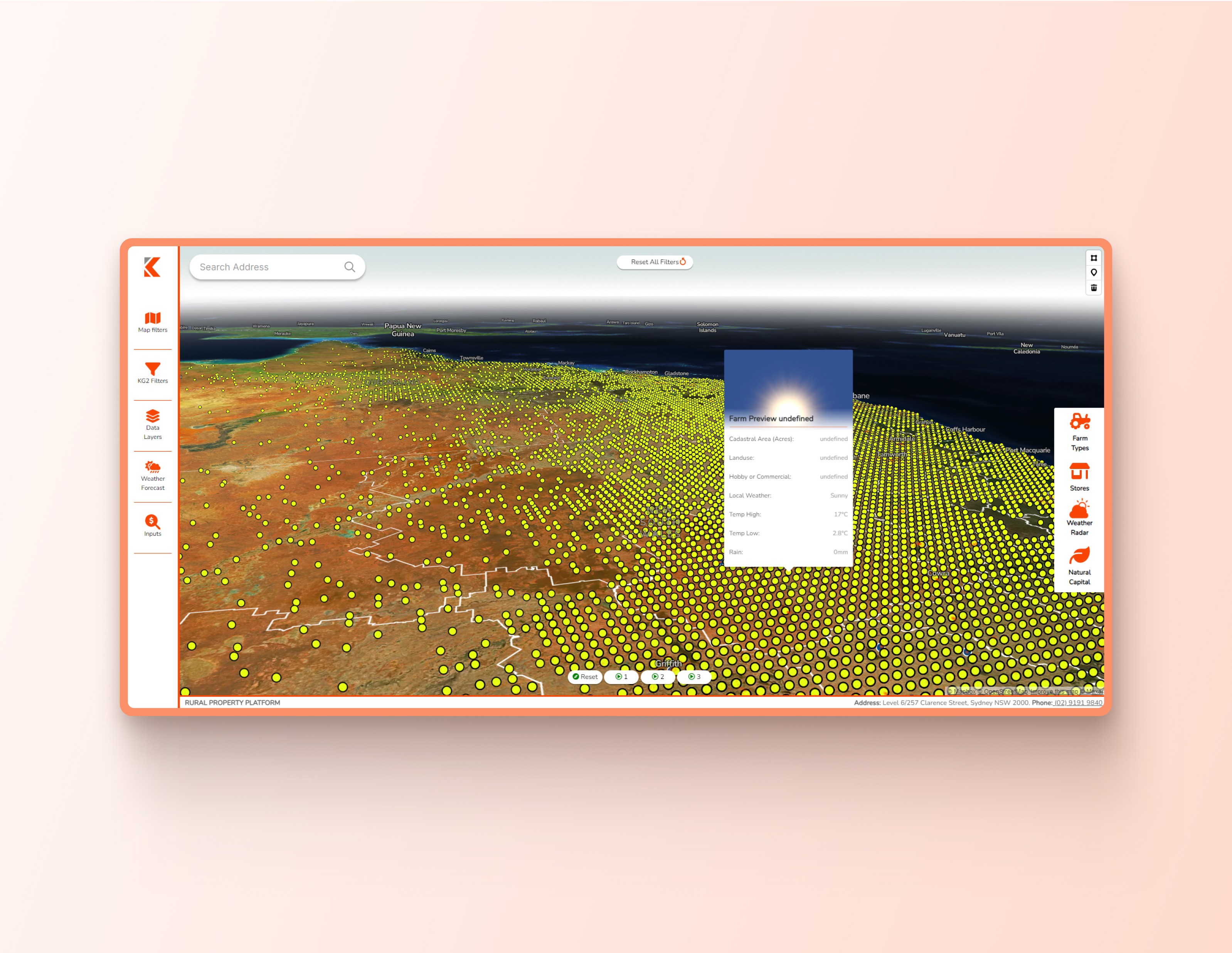
The Rural Property Platform addresses this challenge by providing a user-friendly interface that connects these users to KG2's comprehensive agricultural database. By utilizing machine learning, the platform simplifies access to valuable insights about Australia's agricultural landscape, enabling users to easily explore, filter, and interpret data, ultimately empowering them to make informed decisions.
My Role/Responsibilities
I came into the project after the initial designs for the RPP had been completed but KG2 felt they didnt accurately solve the problem their users faced and felt they needed a design that addressed the problem. To do this I had to understand the problem and users to inform my decisions. After my designs were complete I was tasked with developing those designs in VS code to make to product availble for web use.
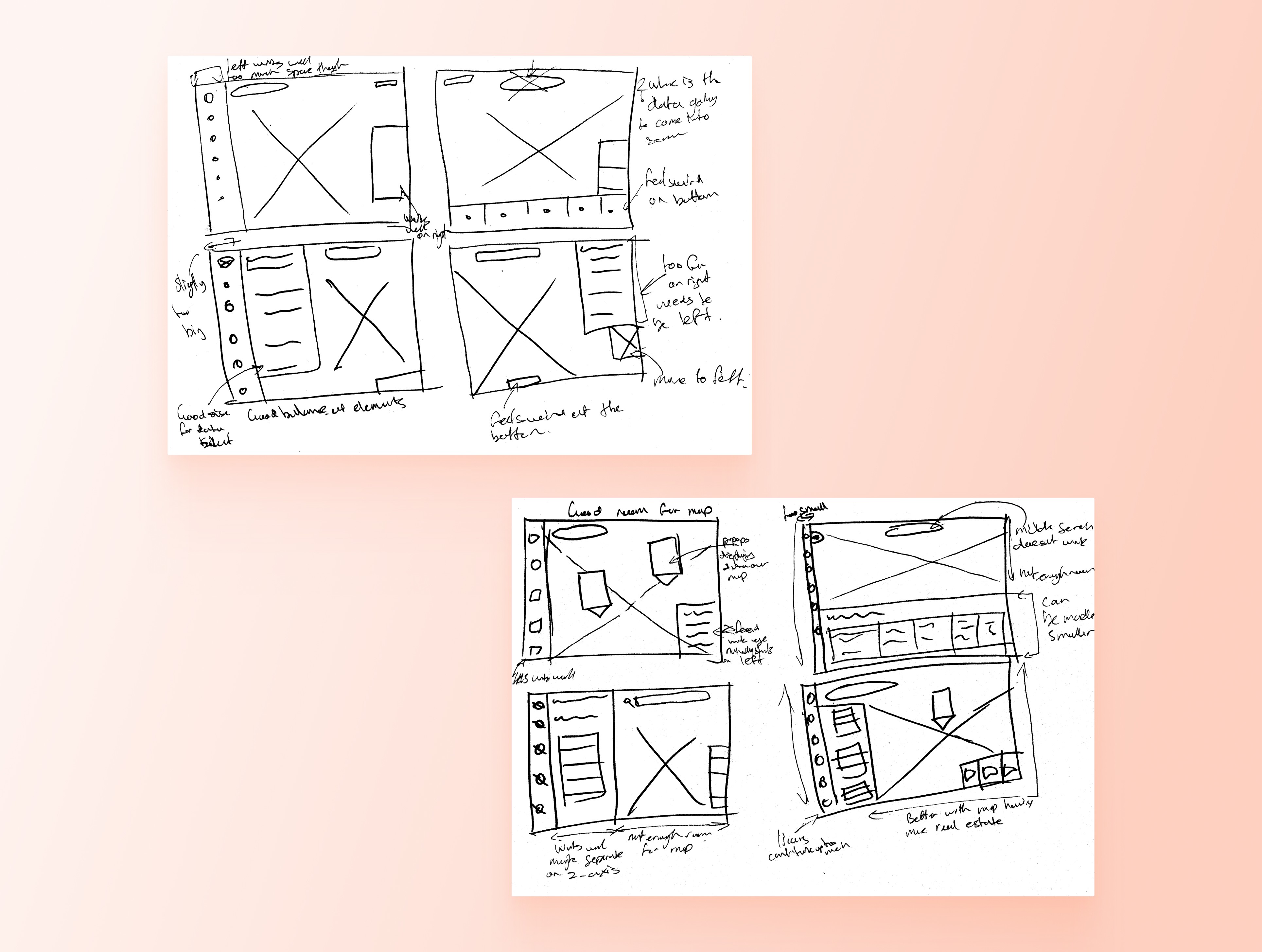
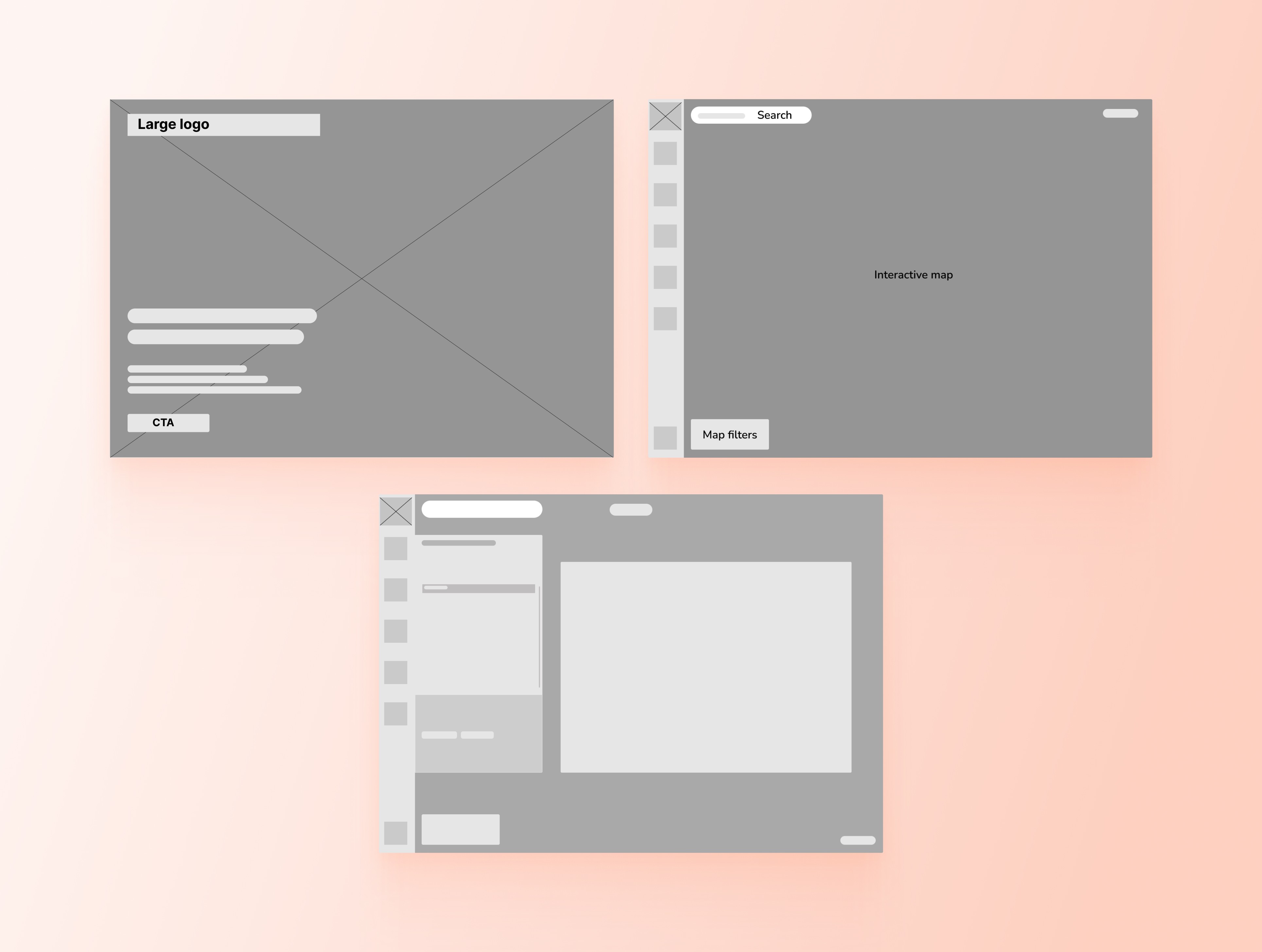
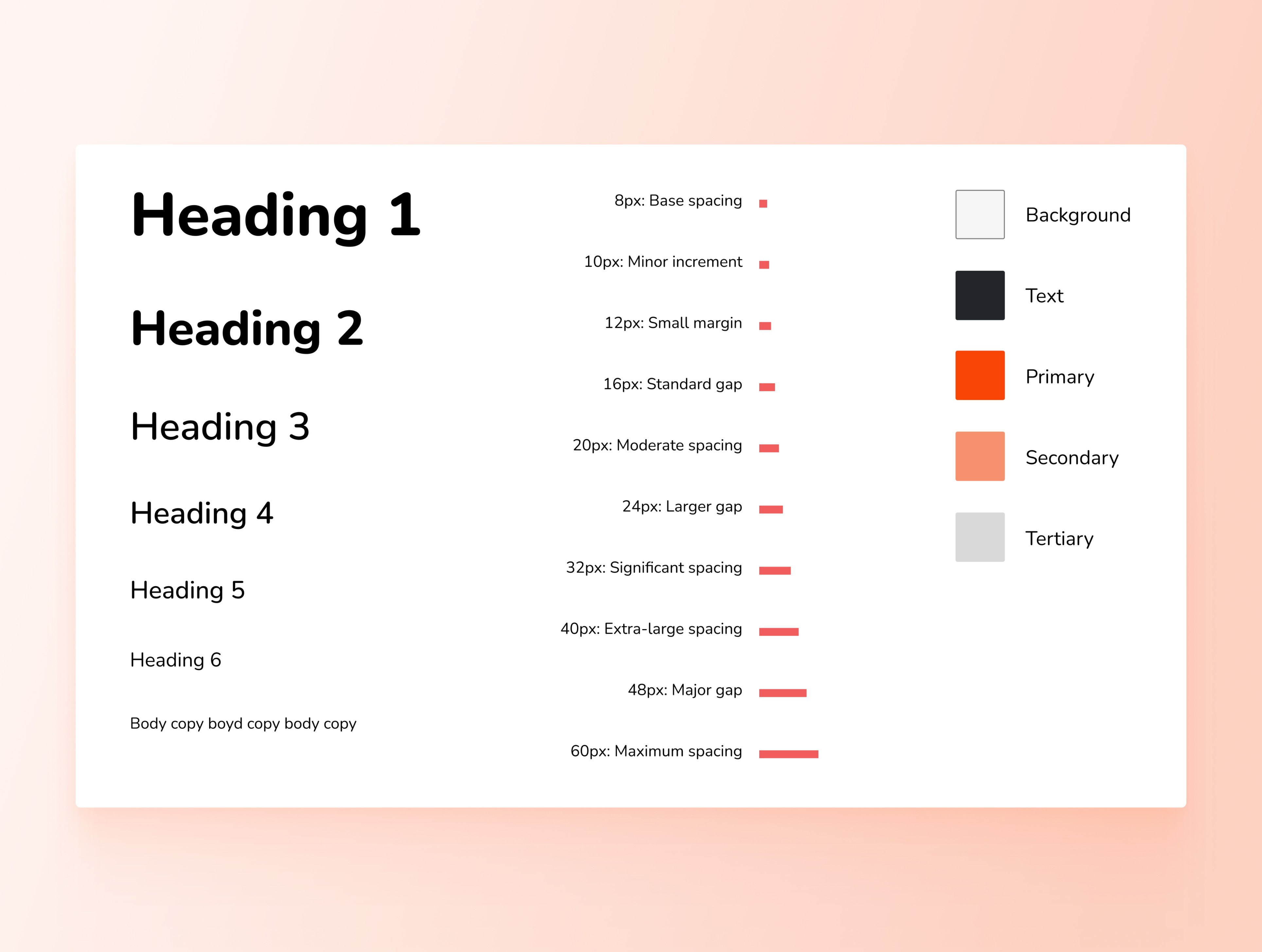
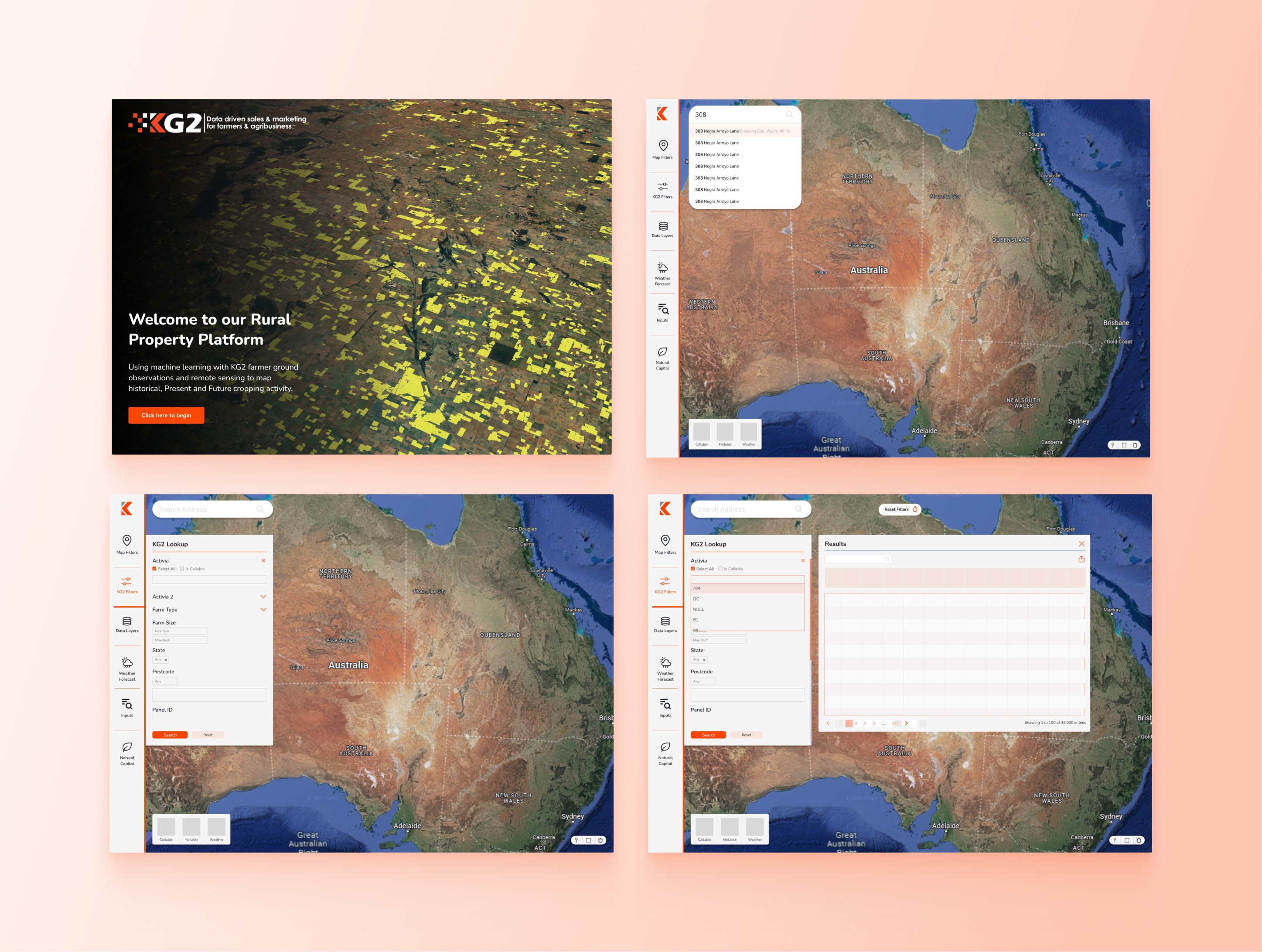
To bring the rural property platform to life, I started by sketching initial concepts to explore layout ideas and functionality. These early sketches helped shape the product's structure, which I refined through wireframes to map out user flows and interactions. Once the wireframes captured the core experience, I developed a basic style guide to establish a cohesive visual language.
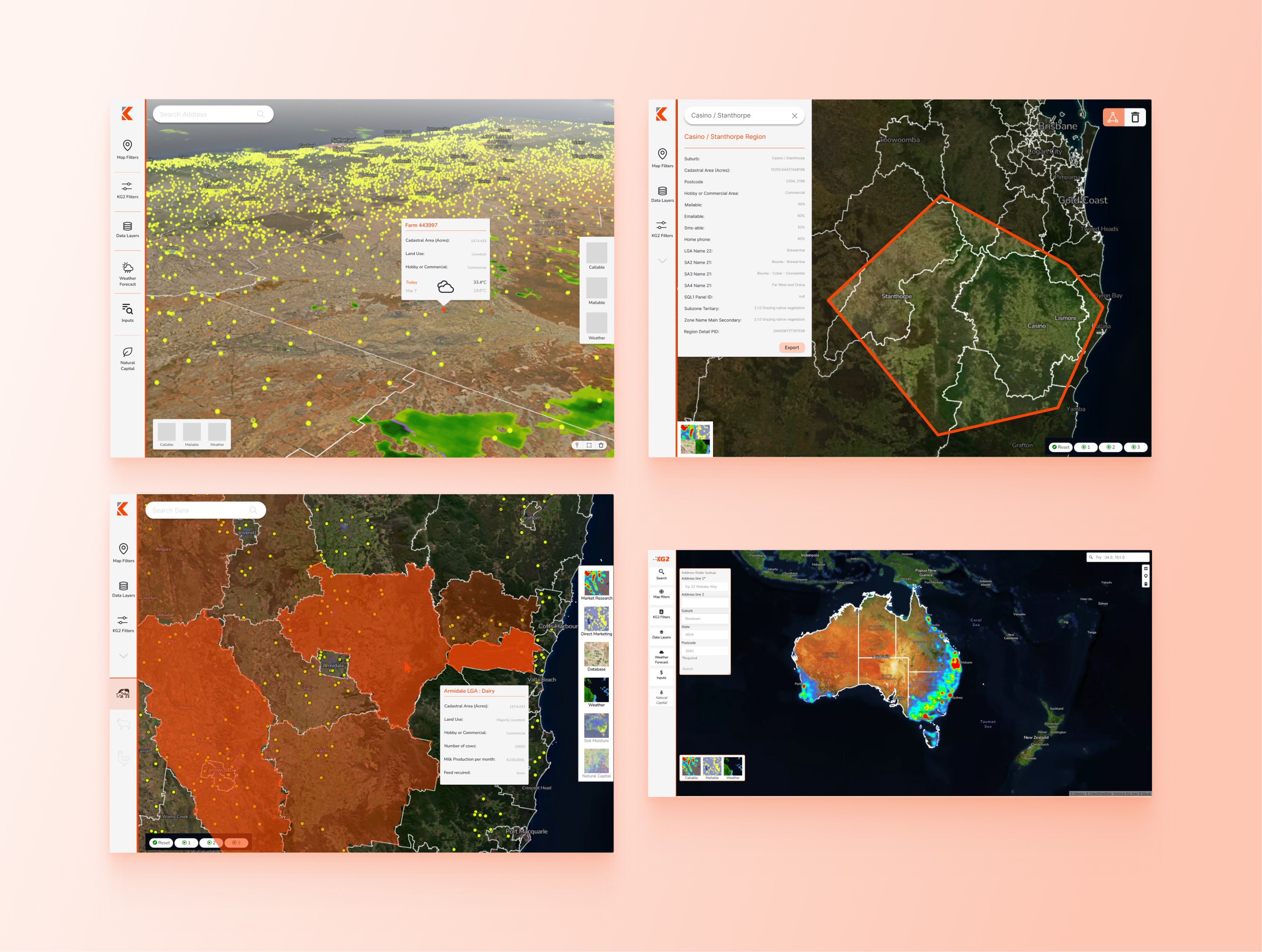
As the prototype became more refined, I began iterating on interactions and mapping out key features to showcase the platform's full potential. This phase involved exploring user pathways in greater detail, defining how different elements responded to user inputs and ensuring seamless navigation across features. Each iteration brought us closer to a user-centric experience, with interactive elements that highlighted the platform's capabilities. By testing and refining these features, I was able to design an intuitive interface that demonstrated what users could achieve within the platform
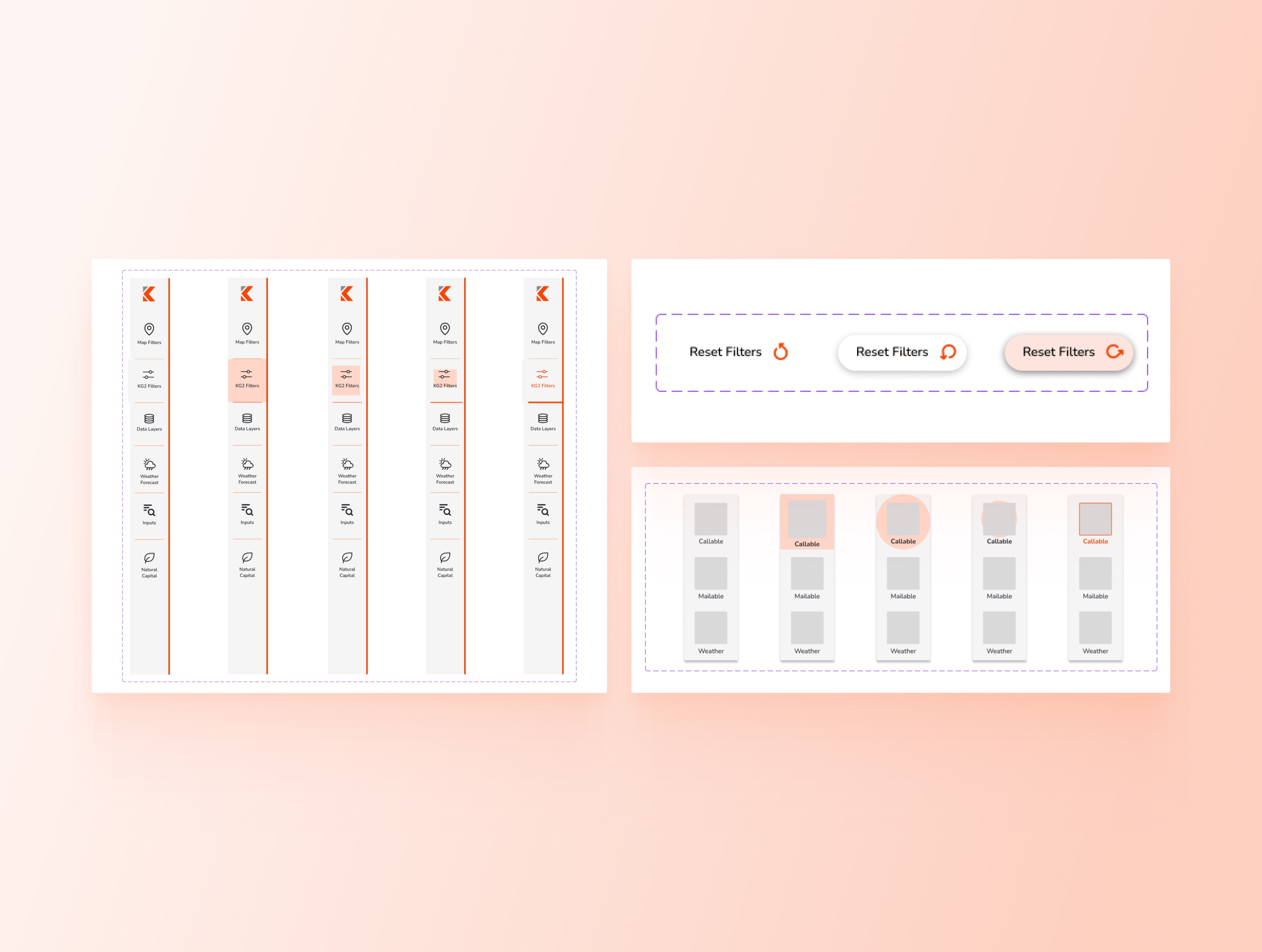
In this phase, I focused on designing microinteractions to enhance user feedback and engagement throughout the platform. These subtle animations and responsive elements were crafted to guide users intuitively, providing real-time feedback as they interacted with different features. These details helped create a more polished, user-friendly interface that not only looked cohesive but also responded dynamically to user actions, adding an extra layer of usability to the platform.
Development
Having only basic experience with HTML, CSS, and JavaScript, this project was a challenging yet rewarding step into the world of product development. Converting my designs into functional code pushed me to learn and refine my skills, especially in responsive design.
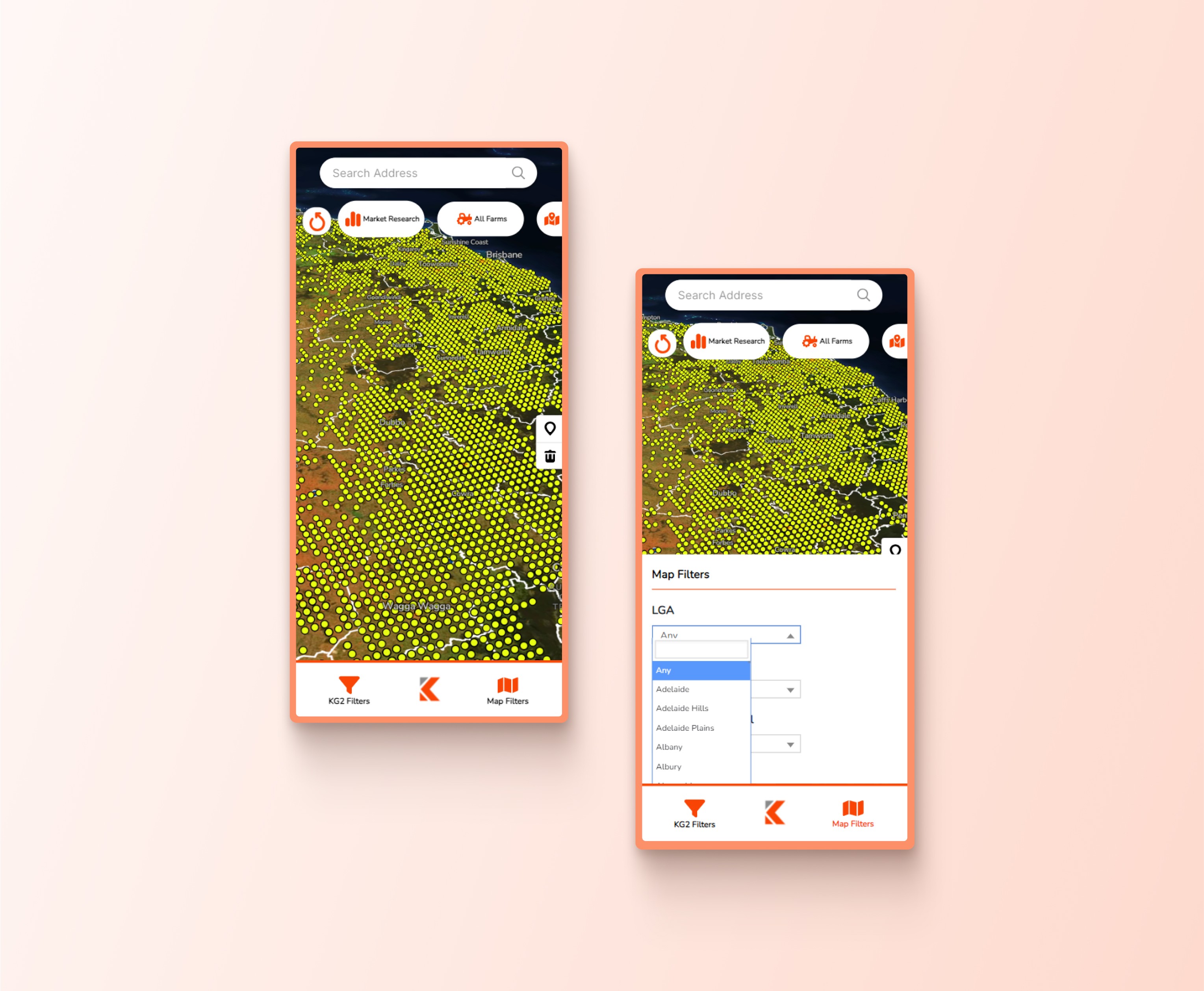
I was responsible for translating the visual elements into HTML and CSS, ensuring that each component aligned with the design specifications while also adapting seamlessly across different screen sizes using media queries. Although the data handling was managed with the support of the rest of the team, this experience gave me hands-on development practice, and I gained confidence in building accessible, responsive interfaces. Working closely with the team not only strengthened my skills but also taught me valuable best practices in web development.
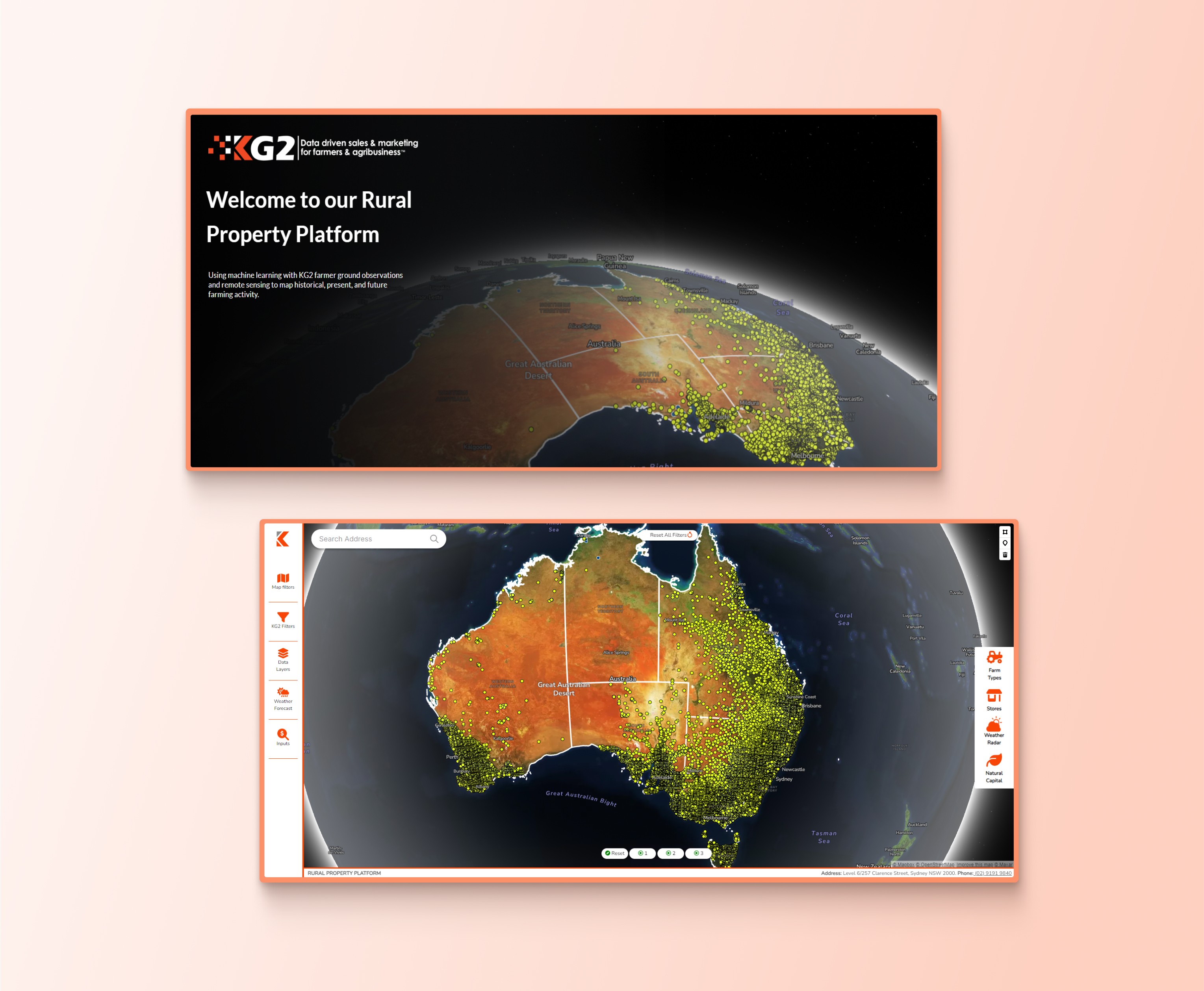
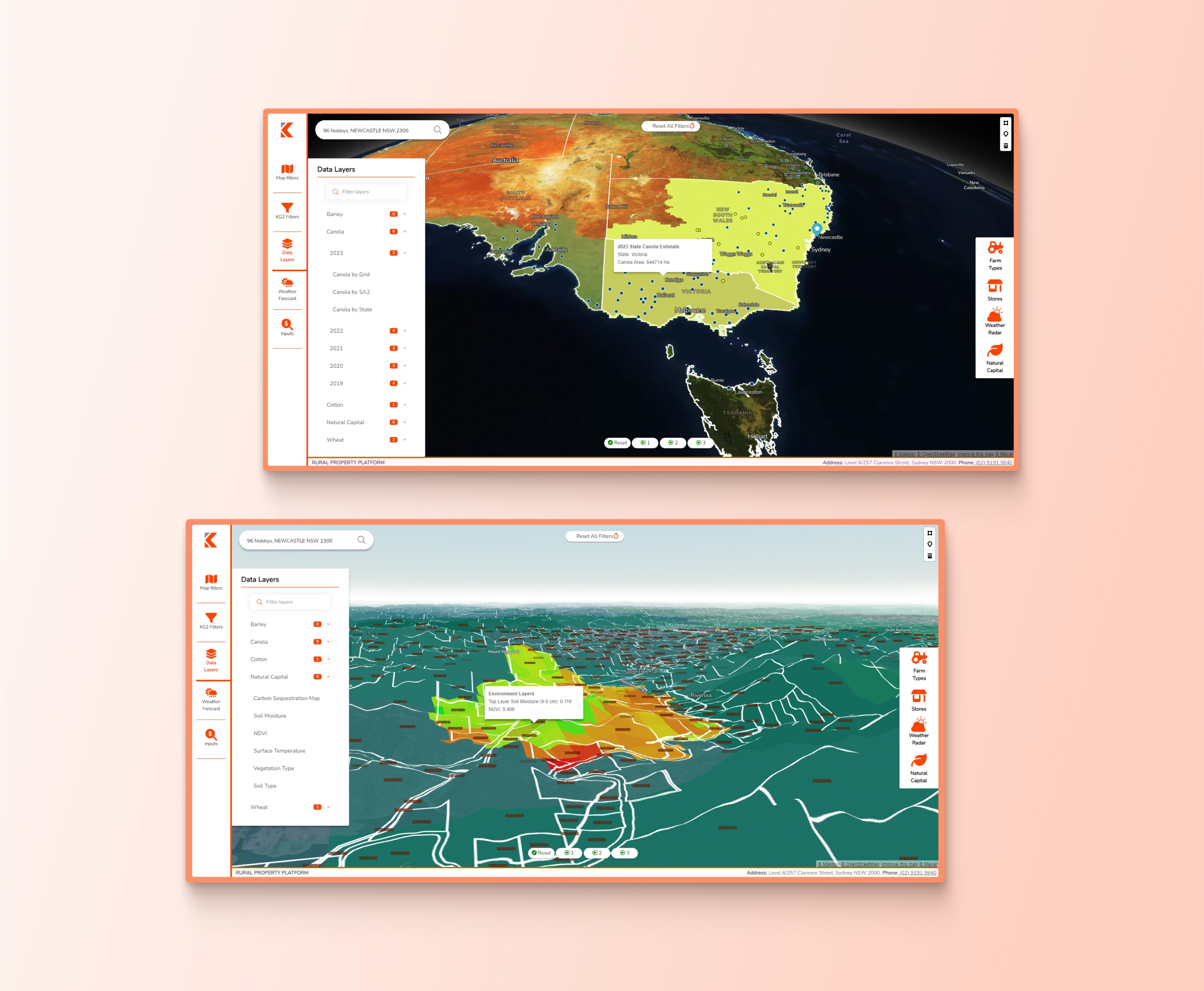
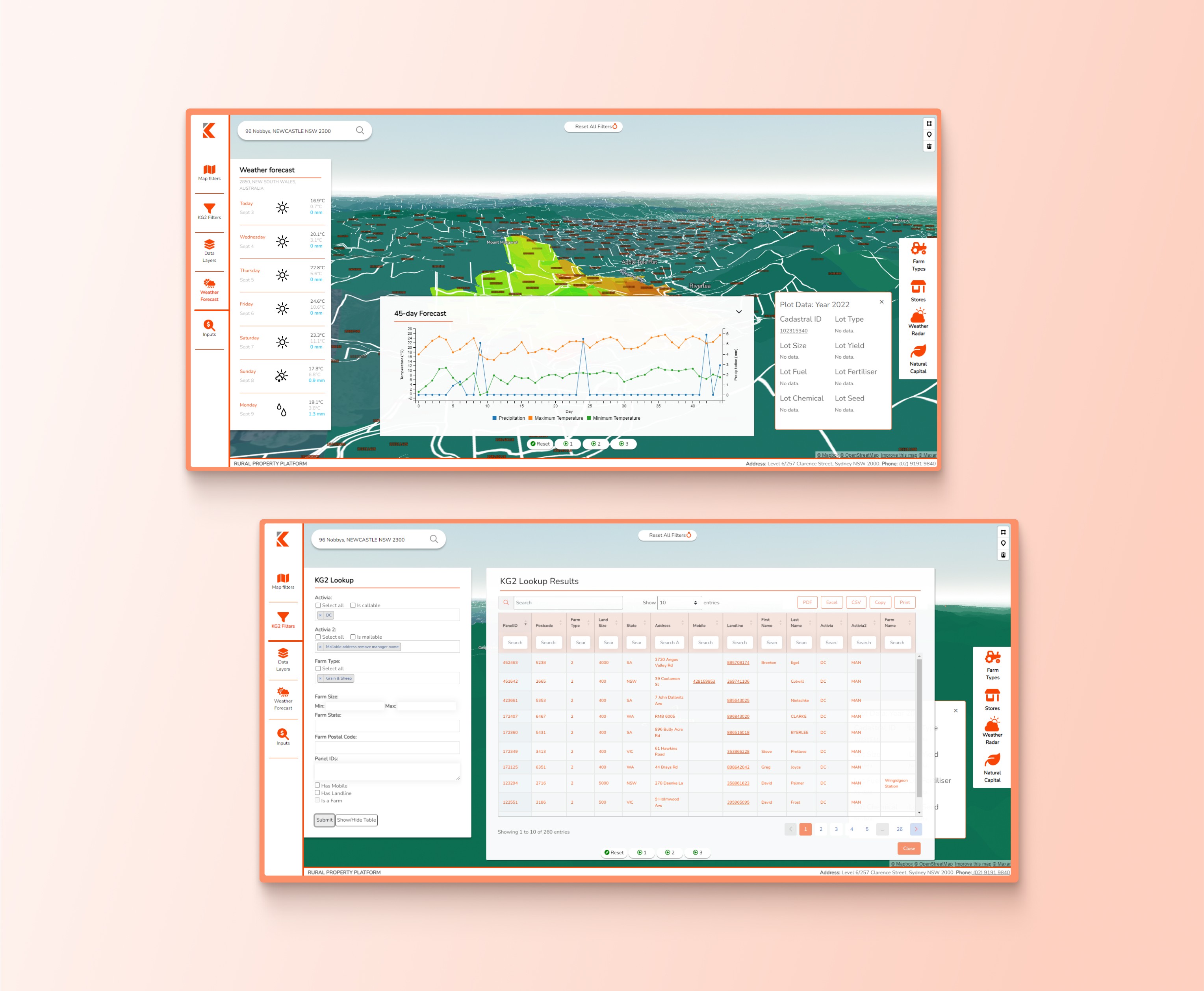
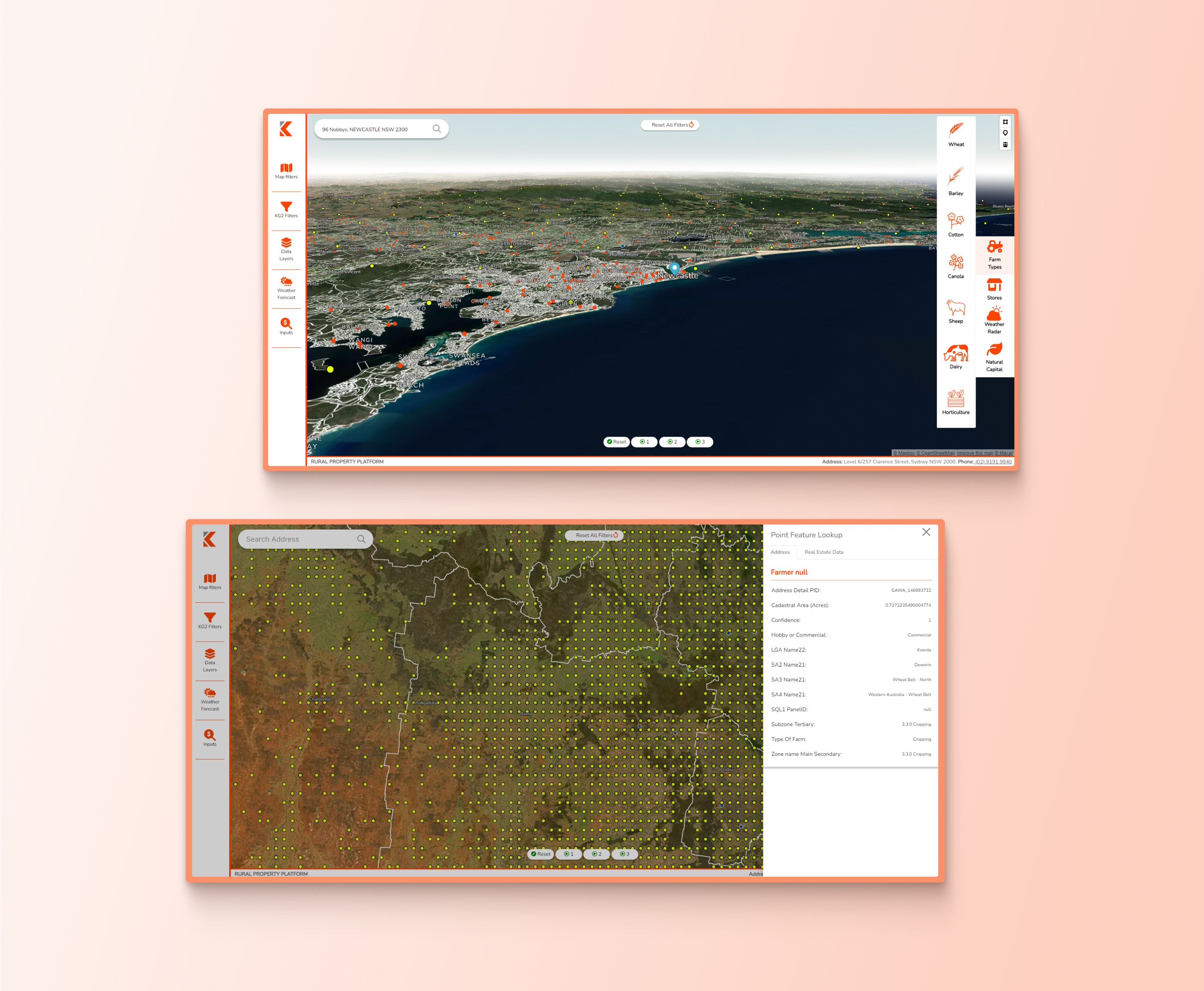
Below are some of the higher-fidelty versions of the RPP I developed.